Fun Things to Try!
The best way to learn what c64cast does is to point it at things. Here are a few suggestions, all of which run without writing a configuration file.
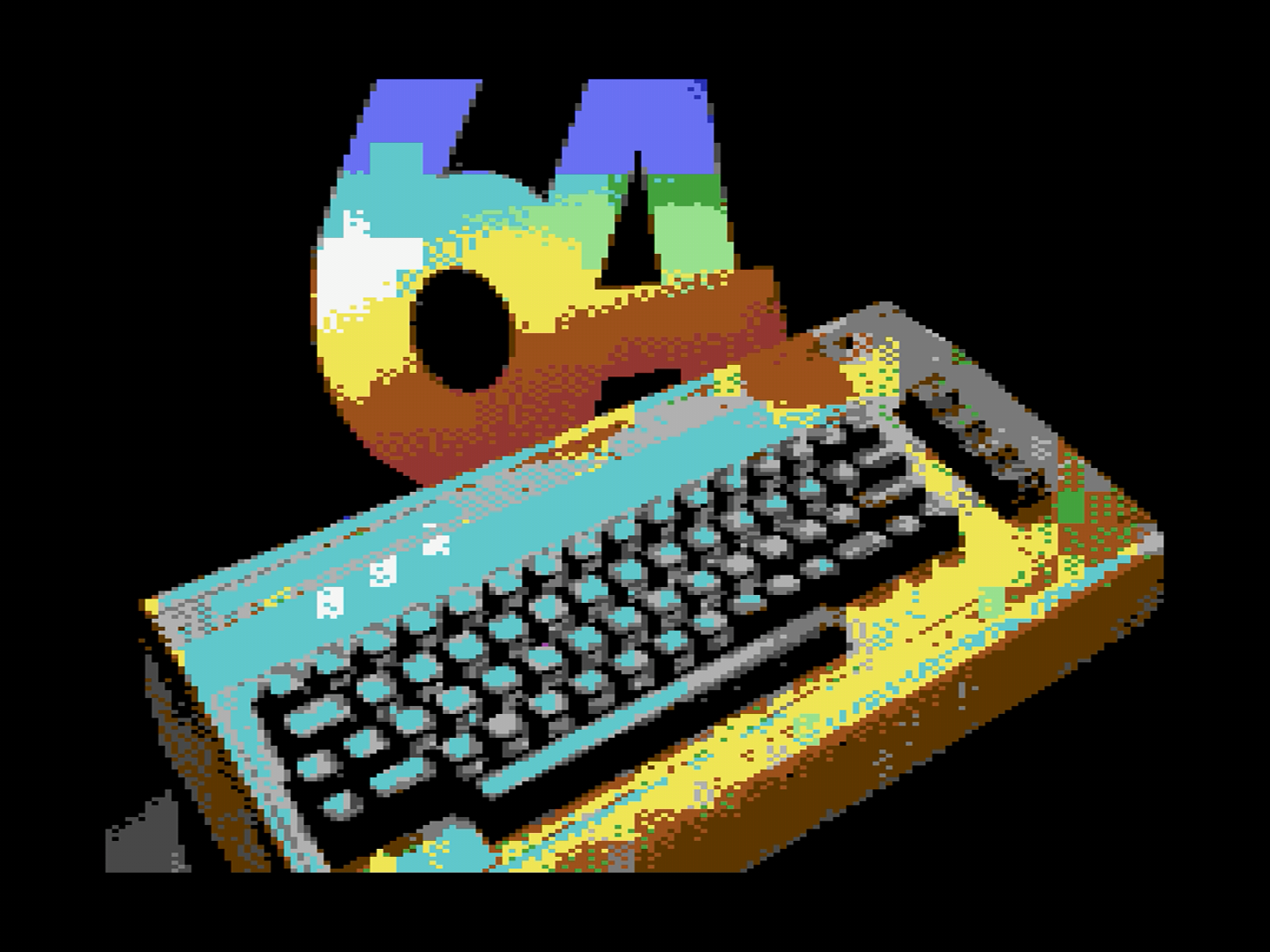
- Play a folder of pictures. Hand c64cast a directory and it becomes a
slideshow, fitting each image to the screen and dithering it into the C64
palette. Try
c64cast ~/Pictures/holiday/.
- Play a SID tune. Point it at a
.sidfile and the Commodore plays it on its own sound chip, with a three-voice oscilloscope drawn live from the chip's registers. This is not an emulation on your computer; the notes come out of the real SID.
- Play a video from the internet. Give it a YouTube link in quotes and c64cast resolves it, downloads a stream and plays it. If the link has a timestamp in it, playback starts there.
- Queue several things up. Arguments play in order:
c64cast clip.mp4 tune.sid ~/Pictures/. Between each one c64cast shows a brief "UP NEXT" card, similar to a television channel.
- Play a game. Hand it a
.prgor.crtand c64cast loads the program, gets out of the way and lets the Commodore be a Commodore again.
- See everything on offer.
c64cast --list-scenesprints every kind of thing c64cast can put on screen, and--list-overlaysprints everything it can decorate them with. No hardware needed.
And you are off. Once you have had a look around, come back here and start at the Introduction for a proper tour.